
“Guide to Sign Up, Log In & Create a Listing”
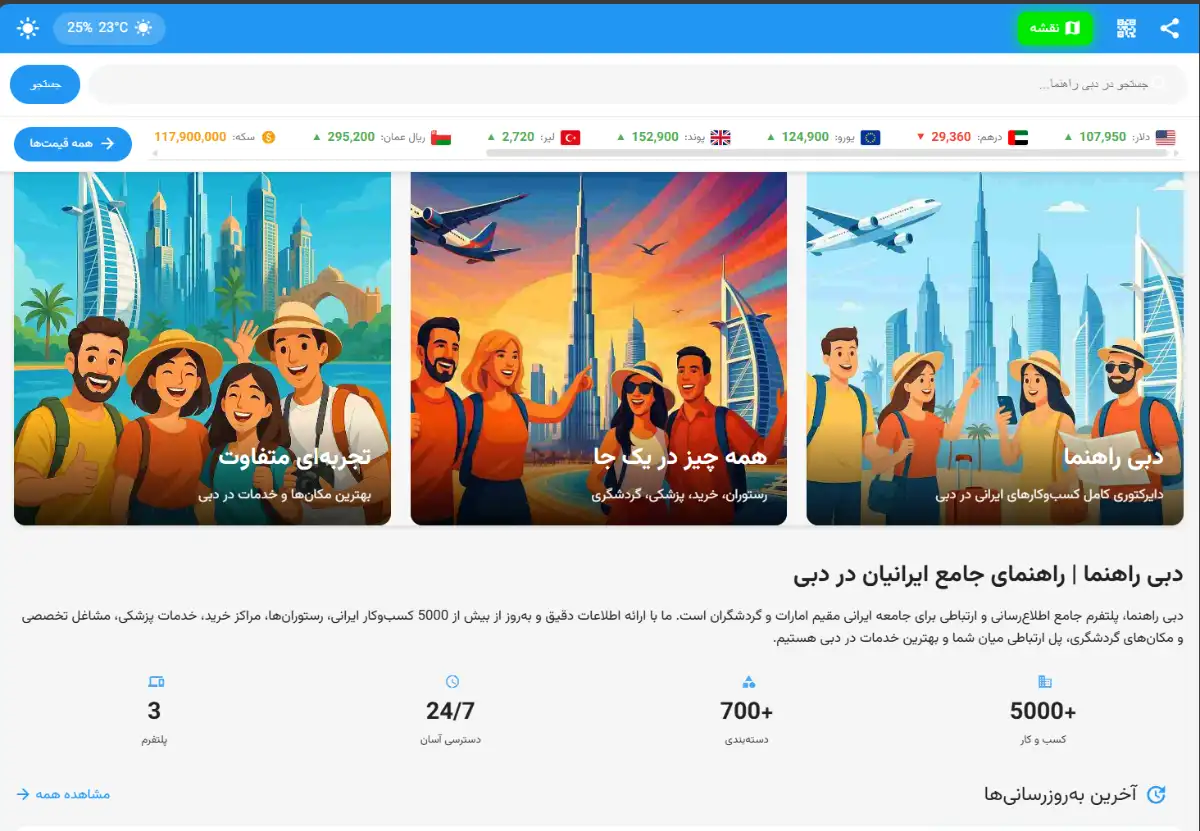
This quick guide shows you how to sign up, log in, and publish your first listing on Dubai Rahnama. Sign in (or create an account), go to “Profile,” and choose “Create Listing.” Add a clear title and description, set the price, upload a few good photos, and pin the location on the map. Review the preview and hit “Publish.” The whole process takes only a few minutes and your listing becomes visible immediately. Requirements: an active mobile number for OTP, suitable photos, and a concise, accurate title.
1) Sign in to your account. 2) If you don’t have one, create a new account. 3) Go to “Profile” and click it. 4) Press the “Create Listing” button.
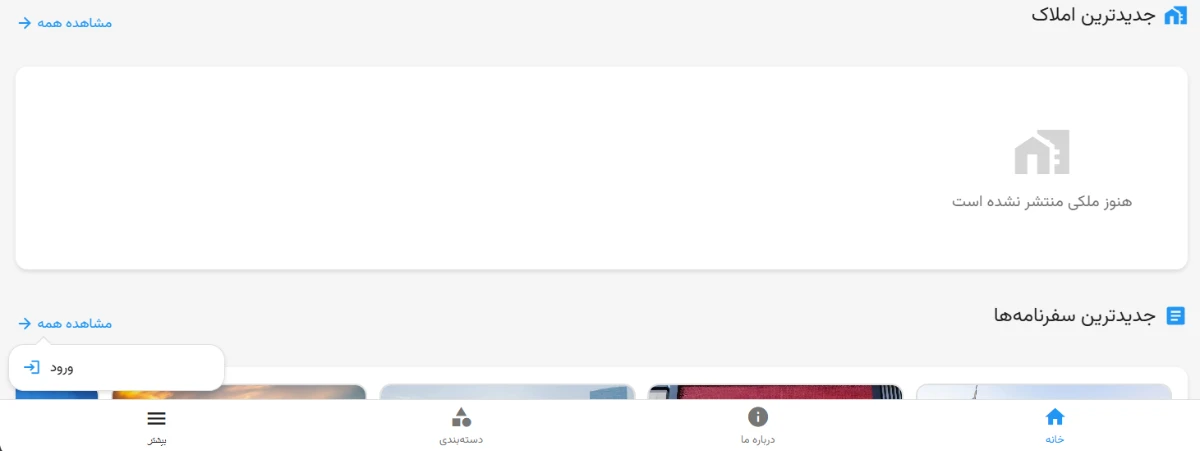
1) The “Login” button is in the bottom toolbar. 2) Follow the screenshot and sign in to your account.
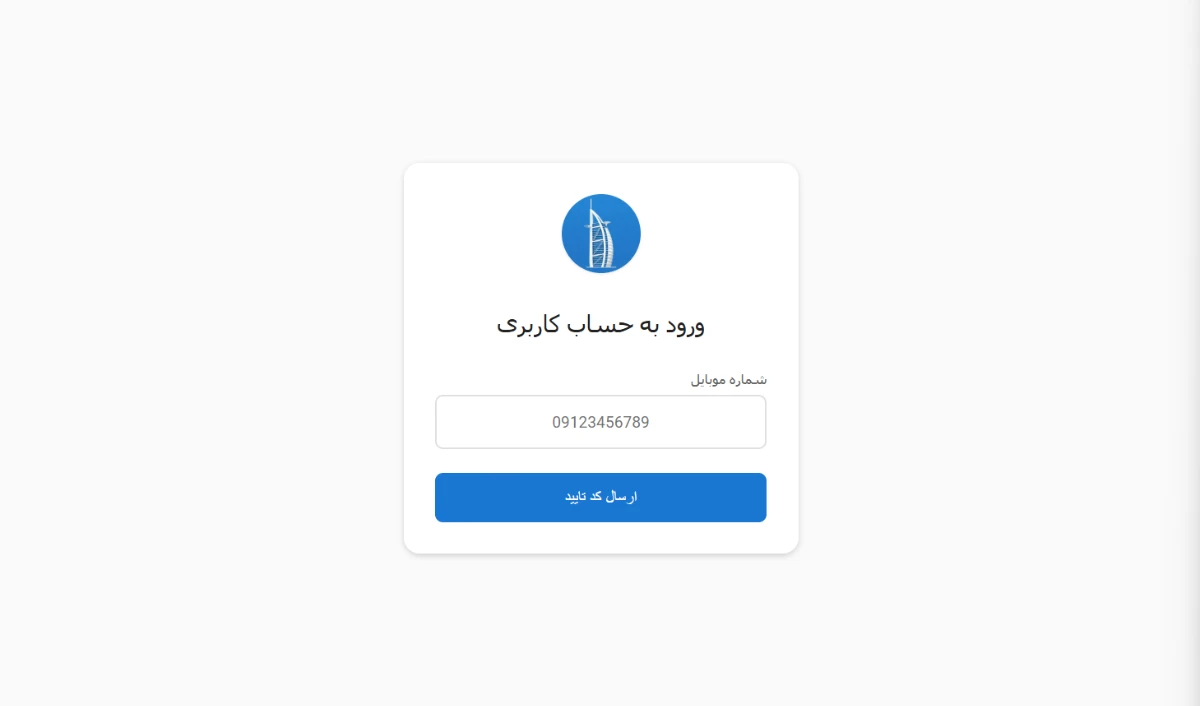
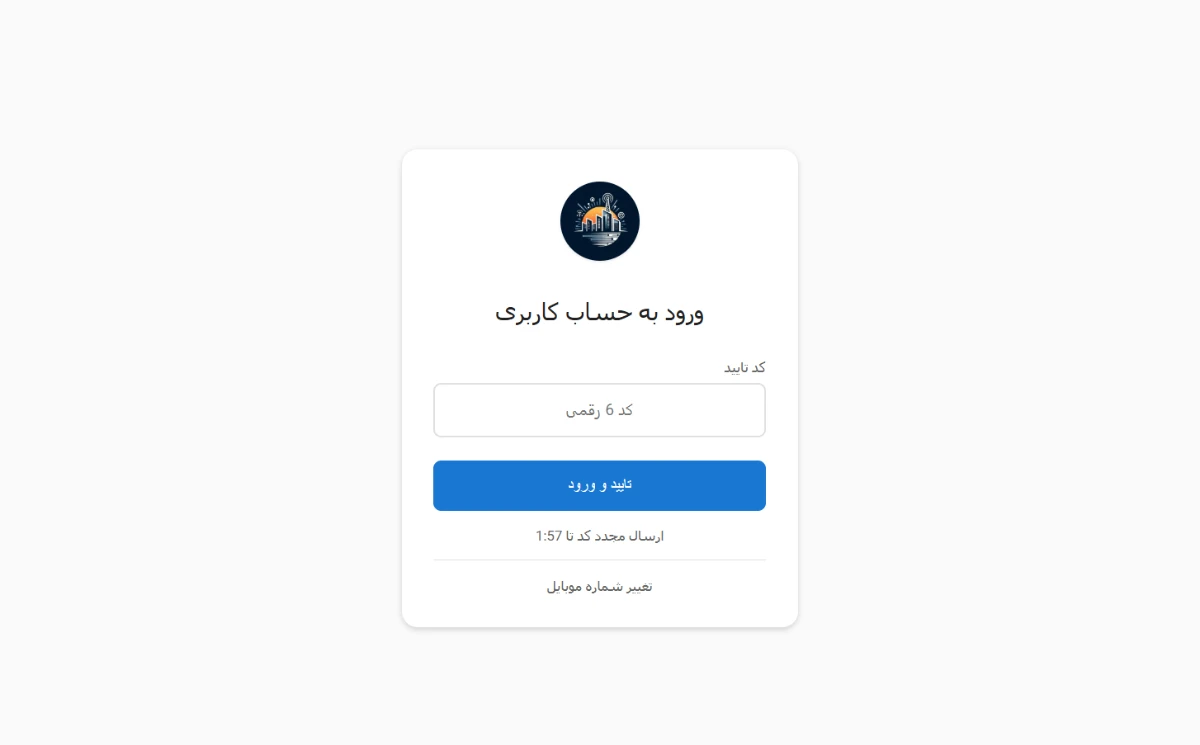
After entering your mobile number, a 6-digit verification code will be sent to you. Enter the code in the input box.
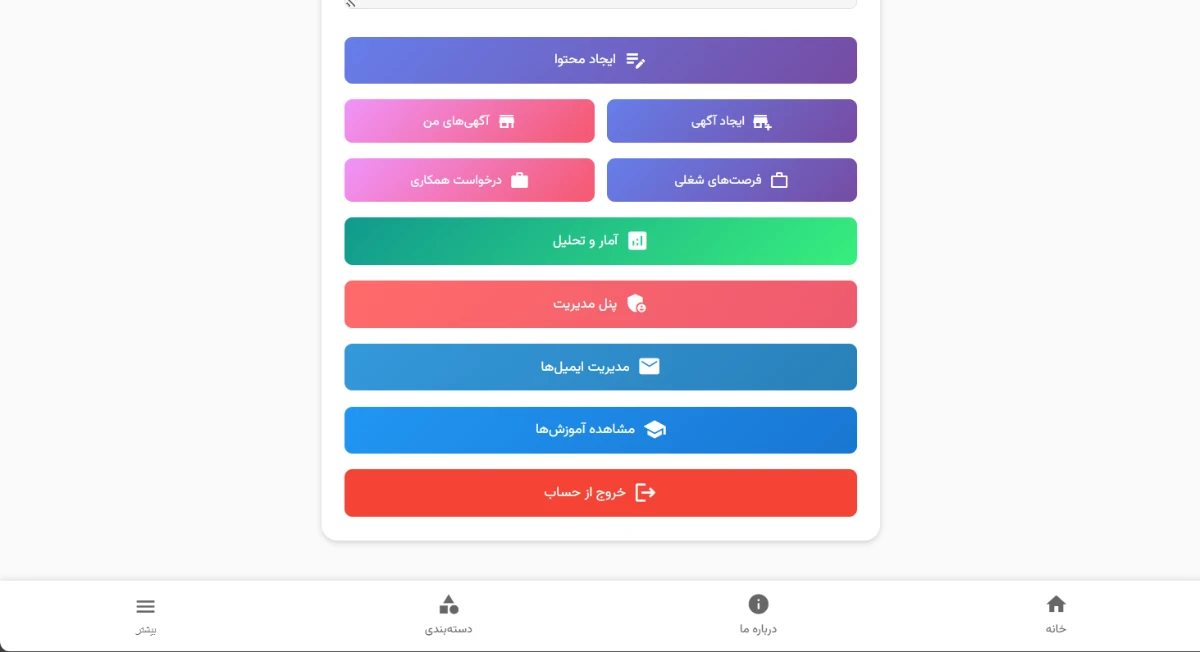
After logging in, go to your “Profile” page and click “Create Listing.”
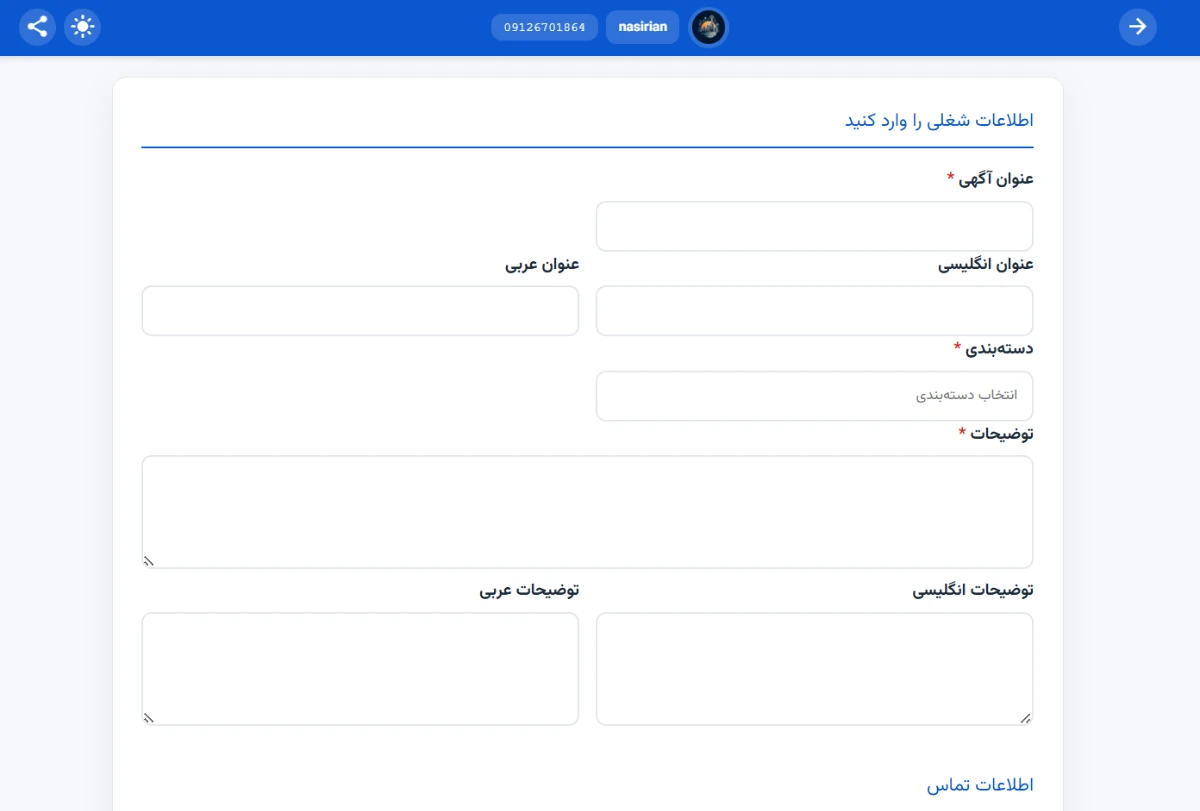
At this step, all fields must be filled in accurately to ensure your listing is submitted correctly.
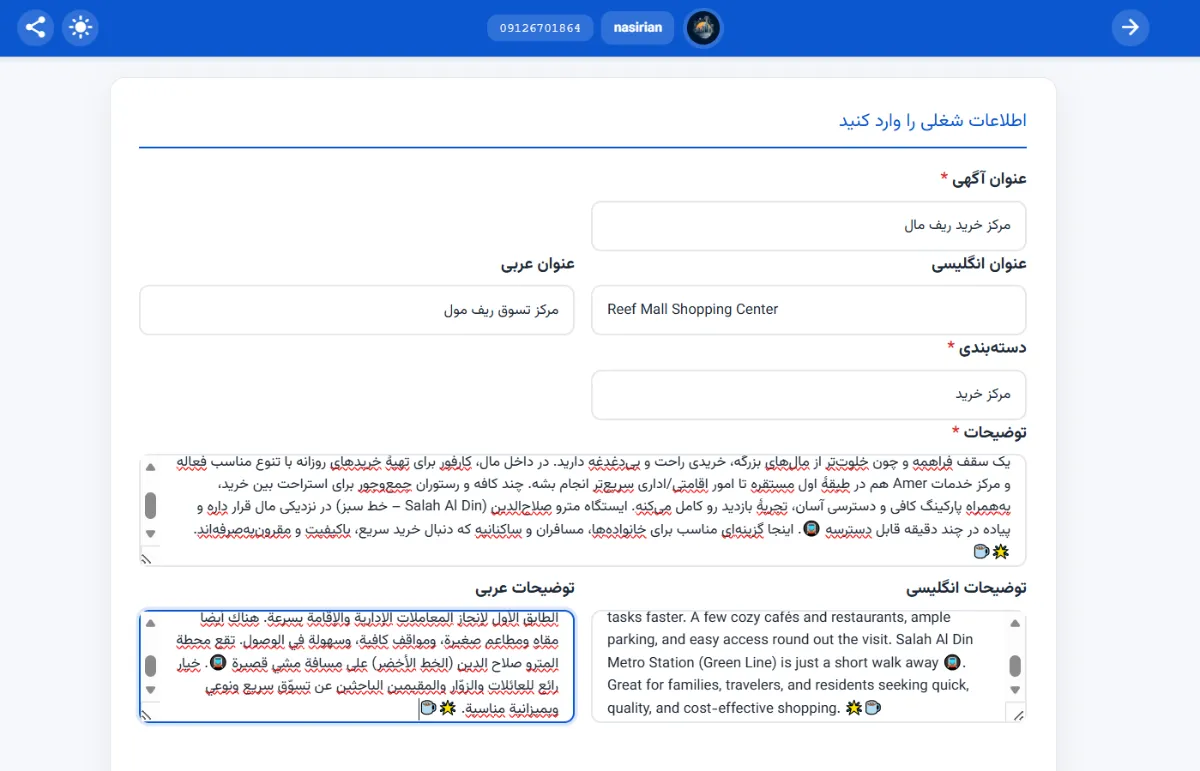
Enter your ad title in the “Title” field. For better reach, fill the title in all three languages (Persian, English, Arabic). If you’re not fluent, use AI to translate. Then carefully choose the desired “Category” (avoid selecting the wrong one). In “Description,” write a suitable summary of the business/place with at least 50 characters.
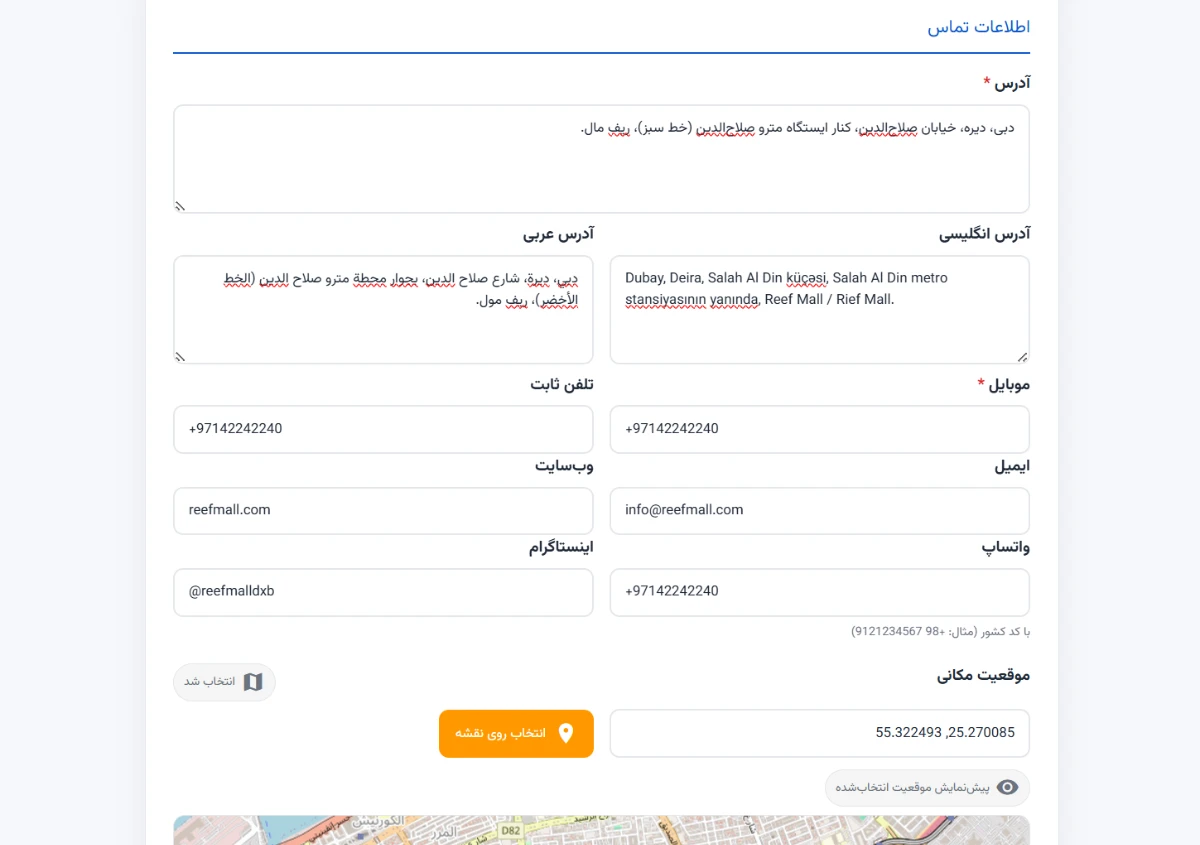
In this step, enter the address in three languages (Farsi, English, Arabic) to improve visibility. Provide the service mobile number, landline, email, website, WhatsApp, Instagram, and the exact location. Use the “Pick on Map” button to choose the precise spot. If the place does not have a mobile or WhatsApp number, make sure to enter the landline. This section is sensitive—please fill in everything accurately and review before submitting. ✅
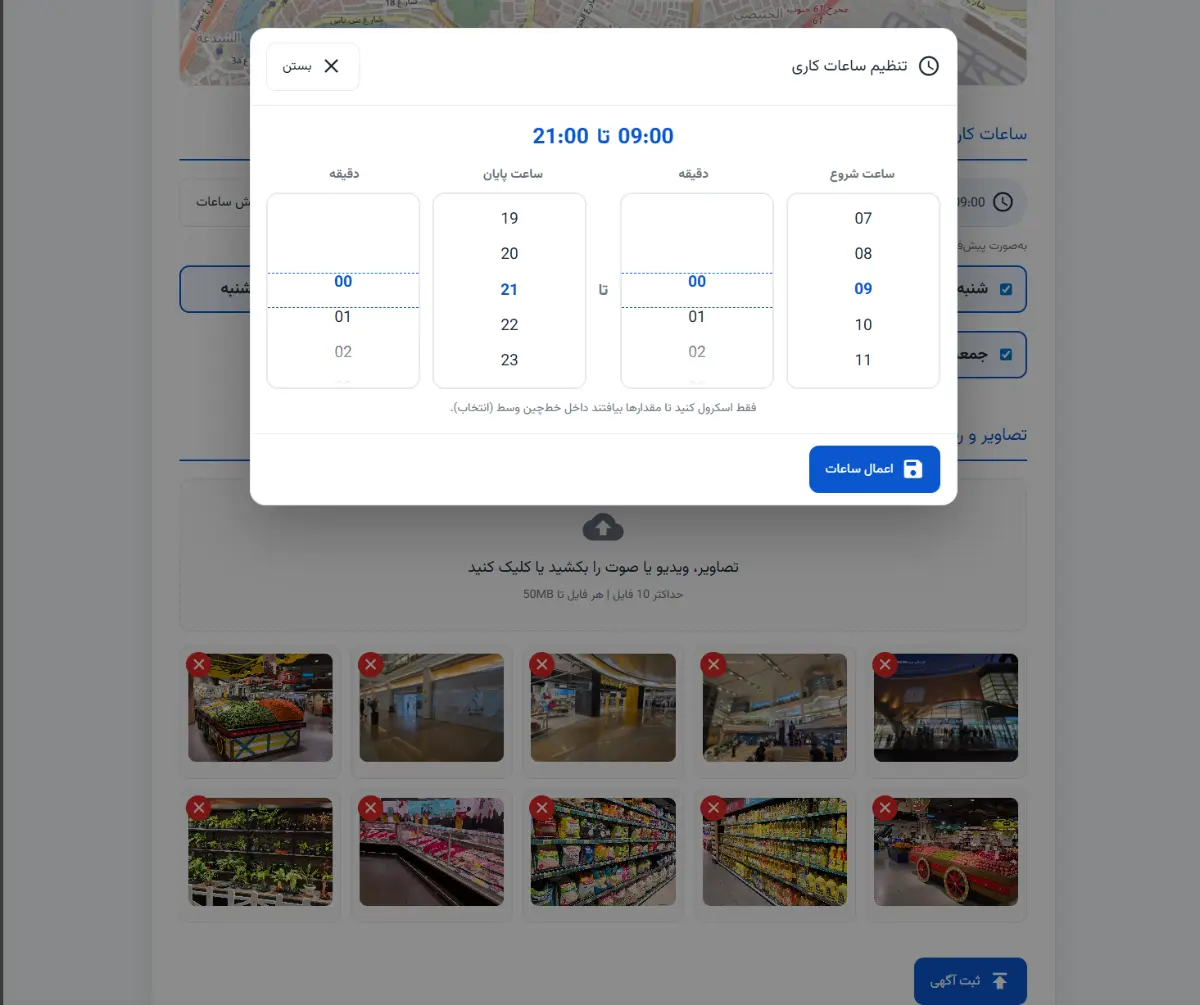
Please set the business hours and open days precisely so users and reviewers have accurate information.
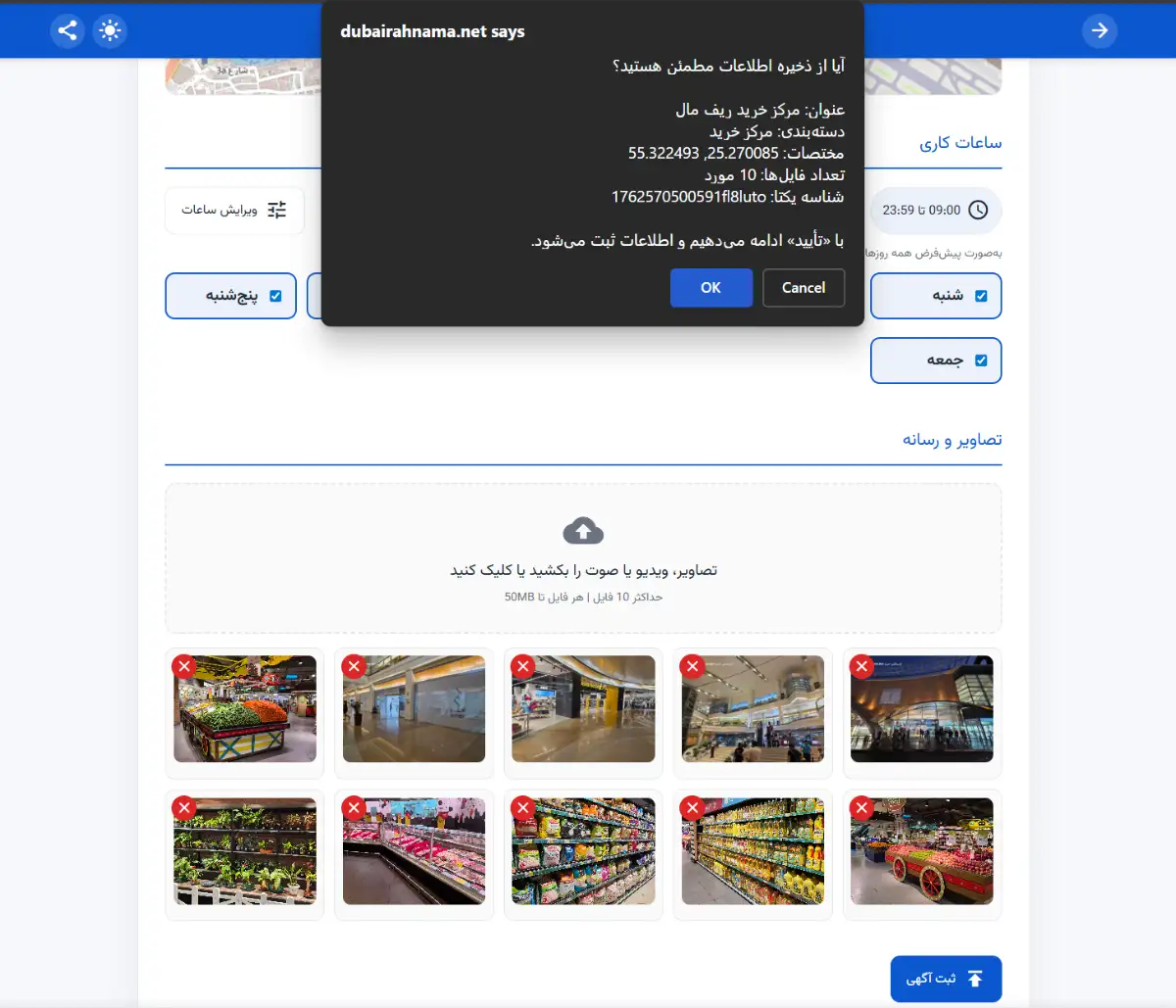
Click “Submit Listing.” Review the warning screen carefully. If all details are correct, press OK to submit your listing and proceed to the next step.
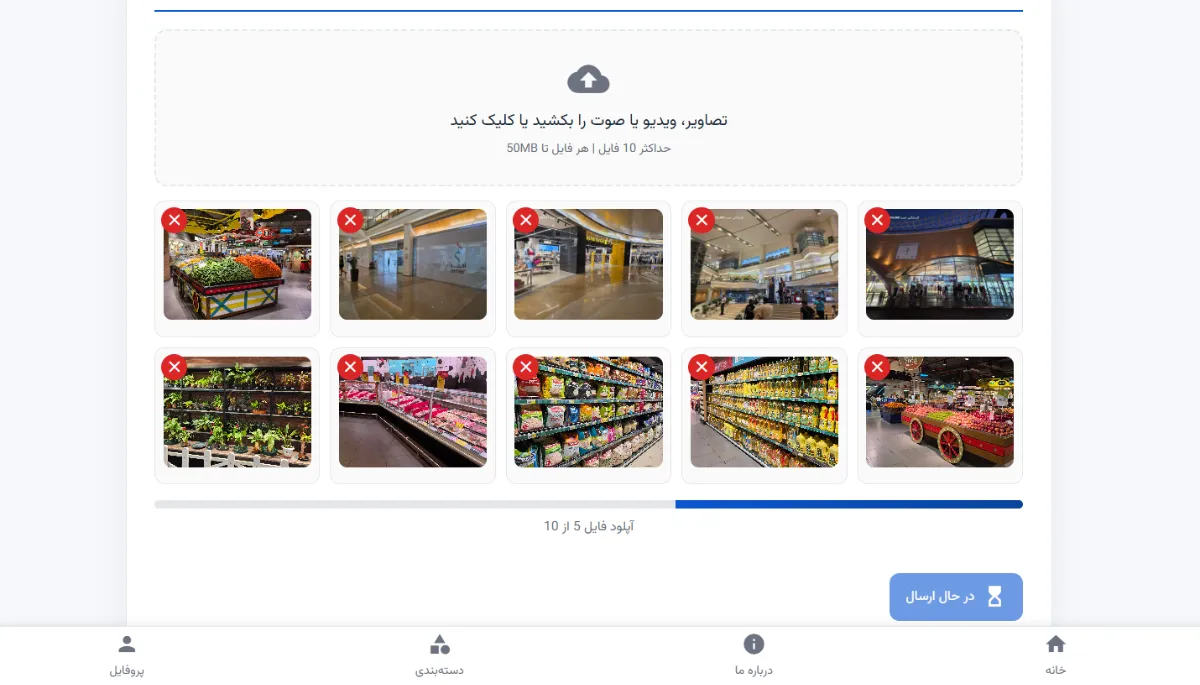
At this stage, your photos and details are uploaded to the server, and you’ll be redirected to “My Listings.” Then wait for approval so your listing can be published and seen by thousands of visitors. 🚀
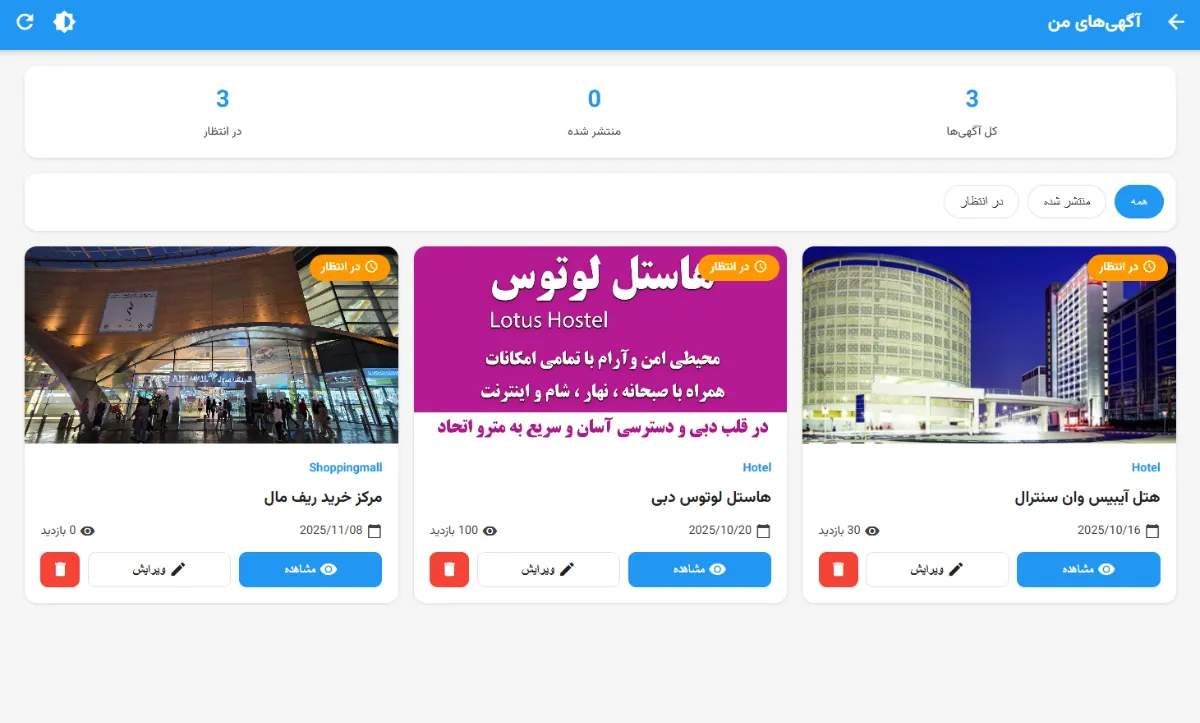
If your ad is successfully submitted to the server, you’ll gain access to the “My Listings” page, where you can view all your ads and edit them if needed.
🎯 Conclusion
At this point, your inputs—tri-lingual address (FA/EN/AR), contact details (service mobile, landline, email, website, WhatsApp, Instagram), and the precise map location—are uploaded to the server. After pressing “Submit Listing” and confirming (OK), you’ll land on “My Listings” to review/edit until it’s approved and published. Our purpose is to serve and support Iranian businesses and to help tourists enjoy a smoother shopping experience. ✅🚀